

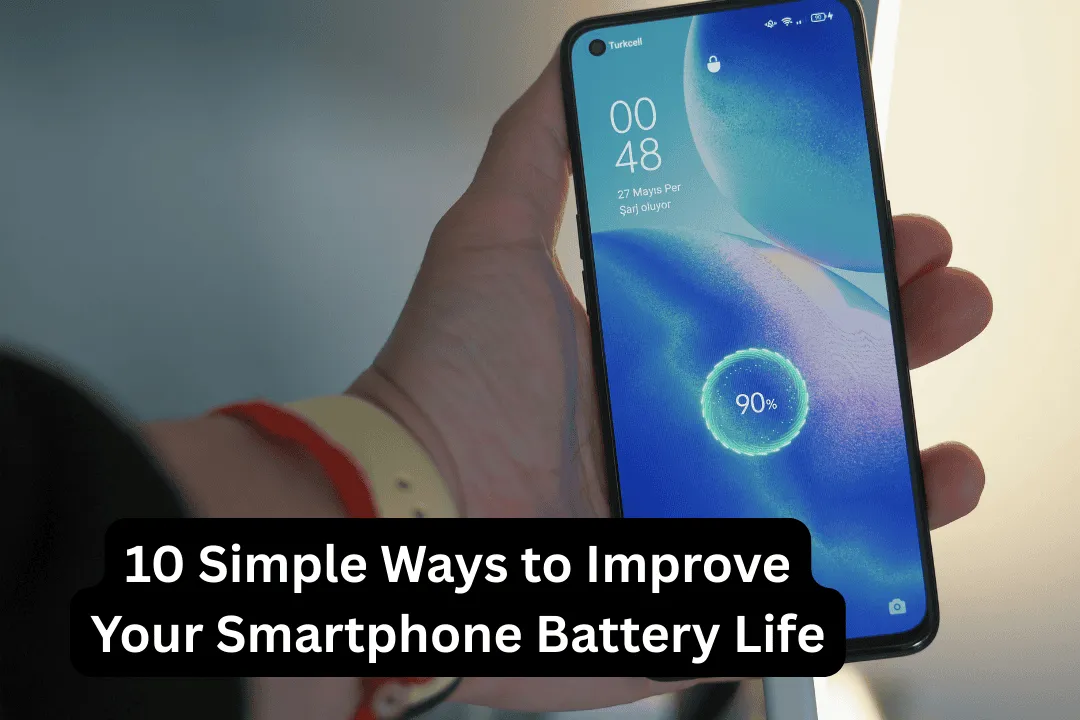
Smartphones have become an essential part of our daily lives. From communication and social media to work and entertainment, we rely on our phones for almost everything. Because of this heavy usage, one common issue many people face is fast battery drain.
It can be frustrating when your phone battery runs out quickly, especially during important tasks or while traveling. The good news is that you don’t always need a new phone or battery replacement to fix this issue.
From my experience, small changes in settings and daily usage habits can significantly improve battery life. Once you understand what causes battery drain, it becomes easier to manage it.
Why Smartphone Batteries Drain Quickly
Before fixing the problem, it is important to understand why batteries drain fast. The main reasons include high screen brightness, background apps, constant internet usage, and features like GPS and Bluetooth running continuously.
In many cases, people are not aware of how much power these features consume.
Once you identify these factors, improving battery life becomes much easier.
1. Reduce Screen Brightness
The display is one of the biggest battery consumers. Keeping brightness at a very high level drains battery quickly.
Lowering brightness to a comfortable level can save a significant amount of power.
Using auto-brightness is also helpful, as it adjusts based on lighting conditions.
2. Use Battery Saver Mode
Most smartphones come with a built-in battery saver mode. This feature reduces background activity, limits performance slightly, and helps conserve power.
This is especially useful when your battery level is low and you need your phone to last longer.
3. Close Background Apps
Many apps continue running in the background even after you close them. These apps consume battery without your knowledge.
Closing unused apps and restricting background activity can improve battery performance.
In my experience, this simple step alone can make a noticeable difference.
4. Turn Off Location Services
GPS and location services use a lot of battery. While they are useful for maps and ride apps, they are not needed all the time.
Turning off location services when not in use can help save power.
5. Limit Notifications
Frequent notifications cause the screen to wake up again and again, which uses battery.
Disabling unnecessary notifications from apps like games or shopping apps can reduce battery drain.
6. Keep Apps Updated
App updates often include performance improvements and bug fixes. Outdated apps may consume more battery.
Regularly updating apps ensures they run efficiently.
7. Adjust Screen Timeout
If your screen stays on for too long when not in use, it wastes battery.
Setting screen timeout to 30 seconds or 1 minute helps conserve power.
8. Turn Off Unused Features
Features like Bluetooth, Wi-Fi, and hotspot can drain battery if left on continuously.
Turning them off when not needed helps save energy.
9. Avoid Extreme Temperatures
Smartphone batteries are sensitive to heat and cold. High temperatures can damage the battery and reduce its lifespan.
Keeping your phone in a normal temperature range helps maintain battery health.
10. Check Battery Usage Settings
Your phone shows which apps use the most battery. Checking this regularly can help you identify problem apps.
Once identified, you can limit or uninstall such apps.
11. Use Dark Mode
Many modern smartphones come with OLED displays. Using dark mode can reduce battery consumption because dark pixels use less power.
This is a simple change that can improve battery life over time.
12. Reduce Background Data Usage
Apps that constantly use the internet in the background can drain battery quickly.
Restricting background data for unnecessary apps can improve battery efficiency.
13. Restart Your Phone Regularly
Restarting your phone clears temporary processes and refreshes the system.
This can help improve performance and reduce battery drain.
14. Avoid Overcharging
Keeping your phone plugged in even after it reaches 100% can affect battery health over time.
It is better to unplug the charger once the battery is full.
Conclusion
Improving smartphone battery life does not require complicated solutions. Simple adjustments in settings and daily habits can make a big difference.
By reducing brightness, limiting background activity, turning off unnecessary features, and using battery-saving options, you can extend your phone’s battery life significantly.
In the end, it is all about using your device smartly. Small changes today can help your phone last longer every day.